

Customers rarely answer calls from numbers they do not recognize, and they often leave voicemail unheard. A text is usually read within minutes. For a service business, a few well-timed messages reduce wasted trips to empty houses, cut the number of “where is the technician” calls to the office and make the company look organized. There are also legal rules about texting, and they are stricter than many owners realize.
The messages worth sending
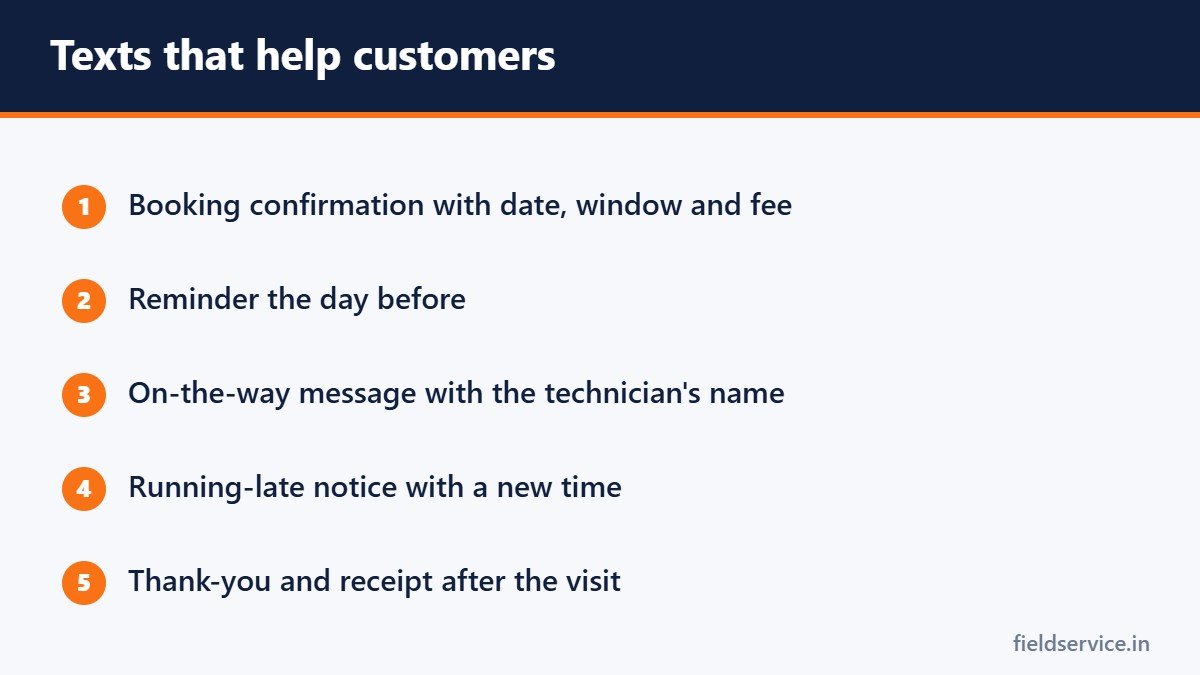
- Booking confirmation. Sent when the appointment is made, with the date, the arrival window and any fee.
- Reminder. Sent the day before, with a way to confirm or reschedule.
- On the way. Sent when the technician leaves for the job, with the technician’s name and an estimated arrival time.
- Running late. Sent as soon as you know, with a new time.
- Follow-up. A thank-you after the visit, sometimes with a link to pay or to leave a review.
How to word them
- Start with your company name, so the customer knows who is writing.
- Keep each message short enough to read at a glance.
- Give one clear action: reply C to confirm, or call this number to reschedule.
- Use plain words and avoid abbreviations.
- Send at reasonable hours.
Example reminder: “ABC Heating: your appointment is tomorrow, Tuesday, between 8 and 10 a.m. Reply C to confirm or call 555-0100 to reschedule. Reply STOP to opt out.”
Example on-the-way message: “ABC Heating: Sam is on the way and should arrive around 9:20 a.m.”
Consent: the part you cannot skip
In the United States, text messages to mobile phones are regulated by the Telephone Consumer Protection Act, the rules of the Federal Communications Commission, and in some states additional laws. This is a general summary, and you should get advice for your own situation.
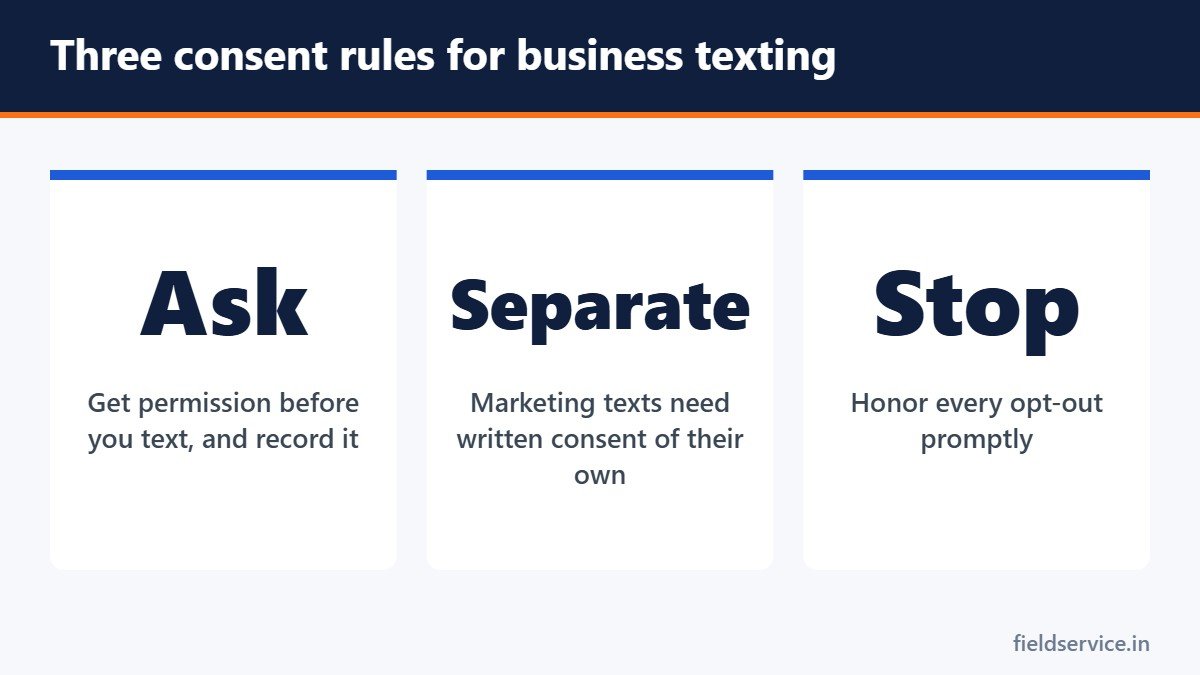
- You need the customer’s consent to text them. For messages about the service they requested, such as confirmations and reminders, consent is generally established when the customer gives you their mobile number for that purpose. It is safer to ask clearly and record the answer.
- Marketing texts need more. Promotional messages sent with automated systems generally require the customer’s prior express written consent, with clear wording about what they are agreeing to. Agreeing to receive marketing cannot be made a condition of buying.
- Opt-outs must be honored. If a customer replies STOP, or tells you in another reasonable way that they no longer want texts, stop promptly. FCC rules set a deadline for honoring these requests.
- Keep records. Record when and how each customer consented.
Penalties under these rules are assessed per message and can add up quickly, so it is worth getting this right at the start.
A simple way to collect consent
When booking, ask: “Can we text this number with appointment reminders and updates?” Tick a box in your scheduling system and note the date. For online booking, use an unticked checkbox with clear wording. Keep service messages and marketing consent as two separate choices.
Registering your number
In the United States, mobile carriers require businesses that send text messages from standard ten-digit numbers through software to register their brand and their messaging use. This is commonly known as 10DLC registration. Unregistered traffic is often blocked or filtered. Your texting or field service software provider normally handles the registration and will ask for your business details and sample messages.
Choosing how to send
- Field service software. Most scheduling and dispatch systems send confirmations, reminders and on-the-way messages automatically. See what to look for in field service software.
- A business texting service. A shared inbox for the office, with templates and opt-out handling.
- A technician’s personal phone. This is common and risky. The business has no record of what was said, the customer keeps the technician’s personal number, and the conversation leaves when the technician does.
Mistakes to avoid
- Texting promotions to a list collected for appointment reminders
- Ignoring STOP replies, or making customers call to opt out
- Sending messages early in the morning or late at night
- Sending so many messages that customers opt out of all of them
- Putting sensitive details, such as gate codes or payment information, in a text
- Using a number customers cannot reply to or call
Measure whether it works
Before you start, note how many appointments end with nobody home and how many calls the office takes asking for arrival times. Check again after two months. Fewer wasted trips also improve your on-time arrival rate and reduce windshield time.
Review requests
A text asking for a review shortly after a good visit gets a far better response than an email a week later. Ask every customer, not only the ones you expect to be happy, and never offer a reward in exchange for a positive review. Our article on getting more customer reviews covers the rules.
Six everyday forms in Word and PDF, plus Excel workbooks that total mileage reimbursement and overtime pay.
Not sure yet? Try two forms free or see all packs.
Frequently asked questions
Do I need permission to text my customers?
Yes. Texts to mobile phones require the customer’s consent. For messages about the service they requested, giving you their mobile number for that purpose generally establishes consent, but asking clearly and recording the answer is safer. Marketing texts generally need prior express written consent.
What is 10DLC registration?
It is the registration that United States mobile carriers require for businesses sending text messages from standard ten-digit numbers through software. Your texting or field service software provider usually handles it.
What should an appointment reminder text say?
Your company name, the date and arrival window, a simple way to confirm or reschedule, and how to opt out.
Can technicians text customers from their personal phones?
They can, but it leaves the business with no record of the conversation and gives the customer the technician’s personal number. A company system is the better choice.
This article is general information and is not legal advice. Texting rules vary by state and change over time.
Related guides
- How to Write a Service Estimate Customers Understand and Accept
- Arrival Windows: How to Schedule Service Calls Customers Can Plan Around
- Taking Payments in the Field: Card Readers, Fees and Getting Paid Faster