

The work is finished, the customer is happy, and the technician says the office will send an invoice. Three weeks later the office is still chasing it. Taking payment at the door, before the truck leaves, is one of the simplest improvements a service business can make to its cash flow. The tools are inexpensive and easy to use. The details that matter are the fees, the security rules and the habits around them.
Why collect on site
- You are paid the same day, with no invoicing and no follow-up calls.
- Customers are most willing to pay when the work has just been completed in front of them.
- It removes a whole category of office work.
- Fewer invoices go unpaid.
The options
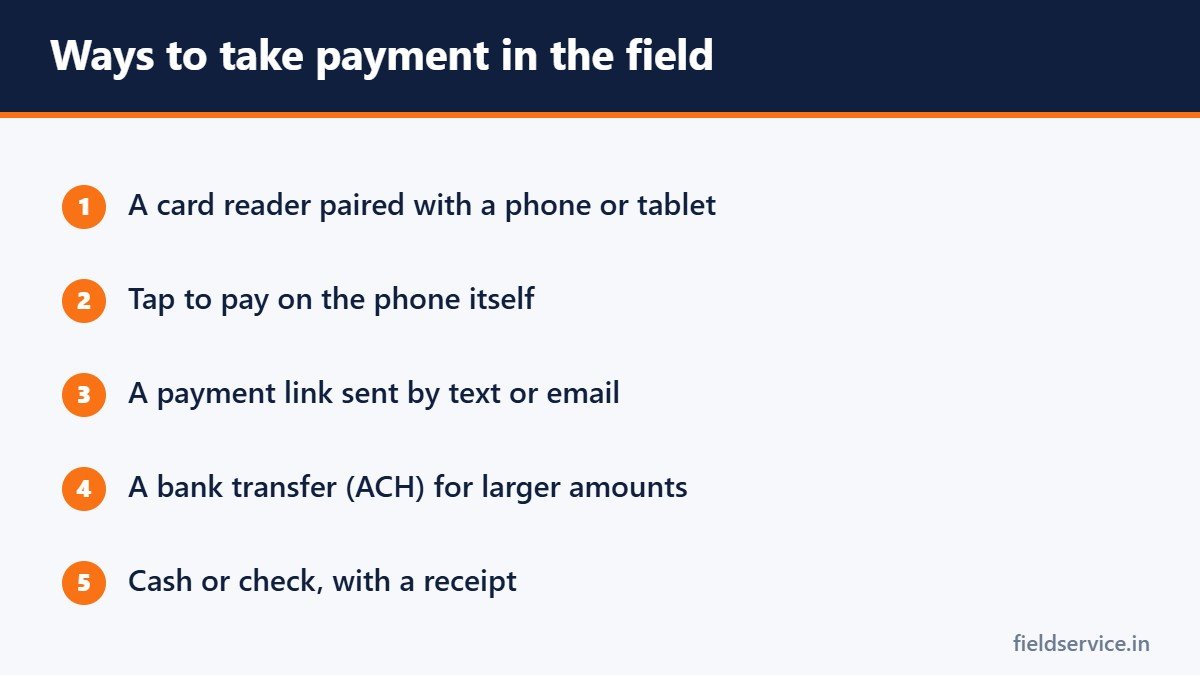
Card reader with a phone or tablet
A small reader connects by Bluetooth and accepts chip cards and contactless payments. Many field service software systems include payment processing, so that the payment is recorded against the job automatically.
Tap to pay on the phone
Some payment apps let a phone accept contactless cards and mobile wallets with no extra hardware.
Payment links
A link sent by text or email lets the customer pay from their own phone. This suits customers who are not at home and jobs paid by someone else, such as a landlord.
Bank transfers
ACH payments move money directly from the customer’s bank account. They usually cost less than cards and take longer to arrive. They are useful for large invoices and commercial customers.
Cash and checks
Still common. Give a receipt, record the payment on the job and have a clear rule for how and when cash reaches the office.
Understanding the fees
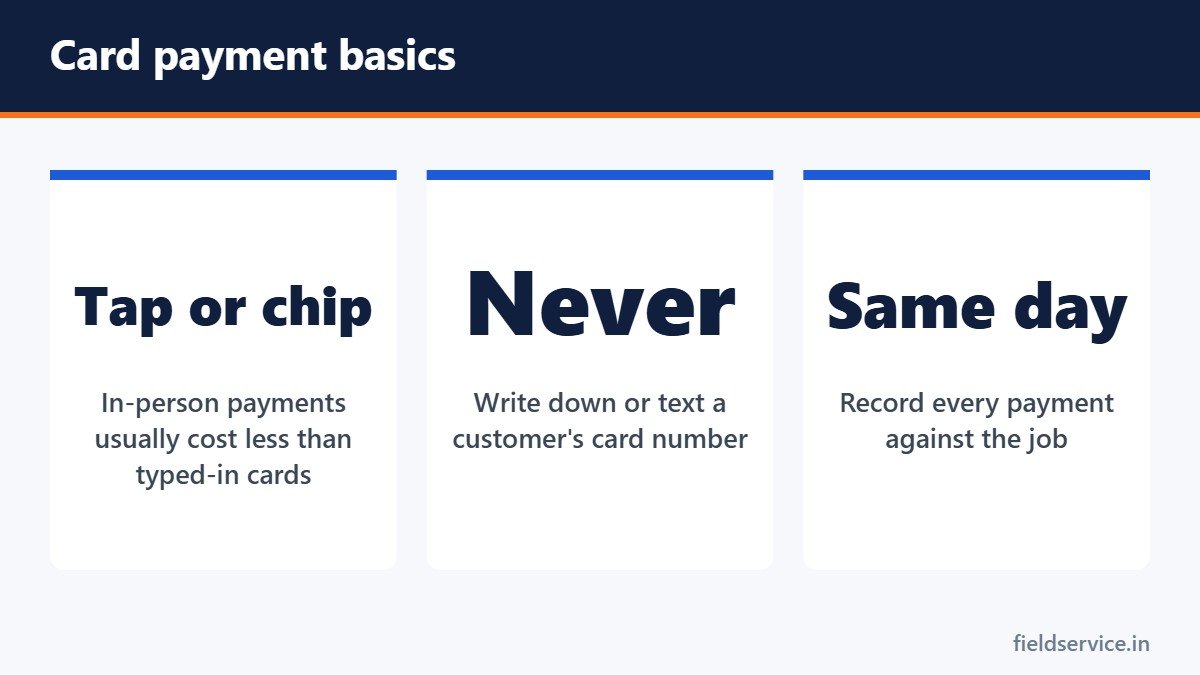
Card processing fees are usually a percentage of the sale, often with a small fixed charge per transaction. The rate depends on the provider, the type of card and how the payment is taken. A card that is tapped or inserted normally costs less than one typed in by hand, because typed-in payments carry more fraud risk.
Ask a provider:
- What is the rate for cards presented in person, and for cards keyed in or paid online?
- Is there a monthly fee or a minimum?
- How long until the money reaches my account?
- What does a chargeback cost?
- Is there a contract, and what does it cost to leave?
- Who owns the hardware?
Whatever the rate, count it as a cost of the job. On a $400 repair, a fee of around 3 percent is about $12. Build it into your prices. See how to calculate job profitability.
Passing the fee to the customer
Adding a surcharge to card payments is permitted in most states, but it is regulated. Card network rules cap the amount, require clear disclosure before the sale and on the receipt, and do not allow surcharges on debit cards. Some states restrict or prohibit surcharging. An alternative is to set your prices to include the cost and offer a discount for cash or bank transfer. Check your state’s rules and your processor’s requirements before adding any fee.
Security basics
- Never write down card numbers, on paper tickets or anywhere else.
- Never ask a customer to send card details by text or email.
- Use a reader or a payment link, not a photo of the card.
- Keep devices locked with a passcode, and keep the payment app updated.
- Use the provider’s system to store a card for future use. Do not keep your own record.
Businesses that accept cards are expected to follow the Payment Card Industry Data Security Standard. Using a reputable provider’s reader and software, and never handling card numbers yourself, keeps most small businesses within it. Your provider will tell you what is required.
Avoiding disputes and chargebacks
A chargeback happens when a customer disputes a card payment with their bank. Your best defense is paperwork:
- A written estimate the customer approved before the work started
- A signed completion or sign-off form
- An itemized invoice
- Photos of the completed work
- A receipt sent to the customer at the time
Our templates include a customer sign-off form and an estimate worksheet. See also how to document a service call.
Habits that get you paid faster
- Tell the customer how payment works when the job is booked.
- Give the price before the work begins.
- Take payment before leaving, as a normal last step of the job.
- Send the receipt immediately.
- For larger jobs, take a deposit at approval and the balance on completion.
- For commercial accounts on terms, send the invoice the same day and follow up on the due date.
When there is no signal
Basements and rural sites often have no coverage. Check whether your payment app has an offline mode, and understand its limits: a payment taken offline is not approved until the device reconnects, so it can still be declined. A payment link sent once you are back in coverage is a useful fallback.
For technicians
Taking payment is part of finishing the job properly. Present the total, offer the payment options without apology and hand the customer the reader. If a card is declined, ask politely whether they have another way to pay, and call the office if they do not. Do not accept payment to a personal account or app.
Related guides
- AI in Field Service: What It Changes for Technicians
- Digital Service Reports: Moving Your Field Team Off Paper
- Smart Thermostats: What Technicians Need to Know Before Installing One
Six everyday forms in Word and PDF, plus Excel workbooks that total mileage reimbursement and overtime pay.
Not sure yet? Try two forms free or see all packs.
Frequently asked questions
What is the cheapest way to accept payments in the field?
Bank transfers usually cost less than cards, and cards presented in person cost less than cards typed in by hand. Compare providers on their total cost, including monthly fees.
Can I charge customers a fee for paying by card?
Surcharging is permitted in most states but is regulated. Card network rules cap the amount, require disclosure and do not allow surcharges on debit cards, and some states restrict it. Check your state’s rules and your processor’s requirements.
Is it safe to write down a customer’s card number?
No. Card numbers should never be written down or sent by text or email. Use a card reader or a secure payment link.
How can I reduce chargebacks?
Get written approval of the price before work starts, a signed completion form, an itemized invoice and photos of the finished work, and send a receipt at the time of payment.
This article is general information and is not legal or financial advice.