


There are dozens of field service management products on the market, and every one of them promises to organize your business. Owners of small service companies often buy the one with the best demonstration and find six months later that the technicians have stopped using it. A better choice starts with your own problems and a short list of things the software must do.
Start with the problem
Write down what is going wrong today. Some examples:
- Invoices go out days after the work is finished.
- Nobody can find the history for a customer’s equipment.
- The schedule lives on a whiteboard and double bookings happen.
- Paper tickets get lost.
- Customers are not told when the technician is on the way.
The two or three problems that cost you most are what the software has to solve. Everything else is optional.
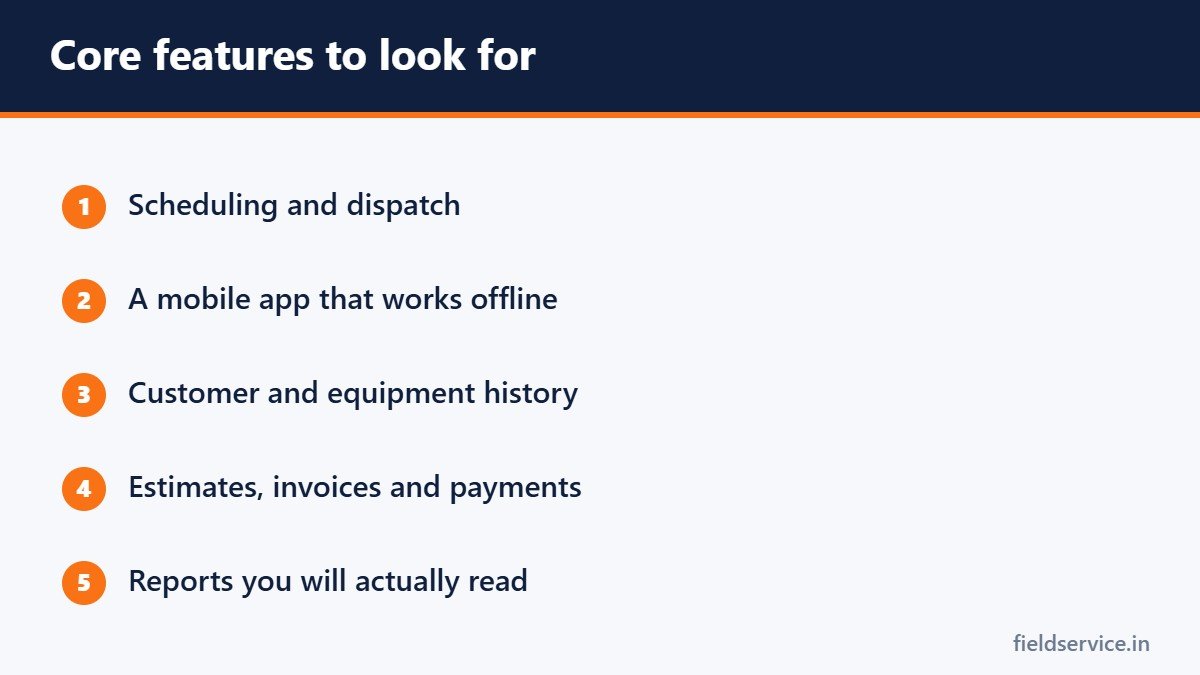
Core features
- Scheduling and dispatch. A calendar or board showing who is where, with easy rescheduling.
- Mobile app. Technicians should be able to see their jobs, add notes and photos, and capture signatures. It must work without a signal.
- Customer and equipment records. Service history by address and by piece of equipment.
- Estimates and invoices. Created on site, with a price book.
- Payments. Card payments taken on site or through a link.
- Customer messages. Appointment reminders and an on-the-way notice.
- Reporting. At least revenue, jobs completed and average ticket. See field service KPIs for the numbers worth tracking.
Features that matter as you grow
- Maintenance agreement tracking and automatic visit scheduling
- Inventory by truck
- Route planning and GPS
- Integration with your accounting software
- Flat-rate price books
Questions to ask every vendor
- What is the total monthly cost for my number of users, including add-ons?
- Is there a setup or onboarding fee?
- Is there a contract term, and what does it cost to leave early?
- Does the mobile app work offline?
- Does it connect to the accounting software I use?
- Can I export all my customer and job data, and in what format?
- What support is included, and at what hours?
- What are the payment processing rates?
The costs people miss
- Per-user pricing that rises as you add technicians
- Features that sit in a more expensive tier
- Payment processing fees
- The time it takes to move your customer list and train the team
- Charges for text messages
Run a fair trial
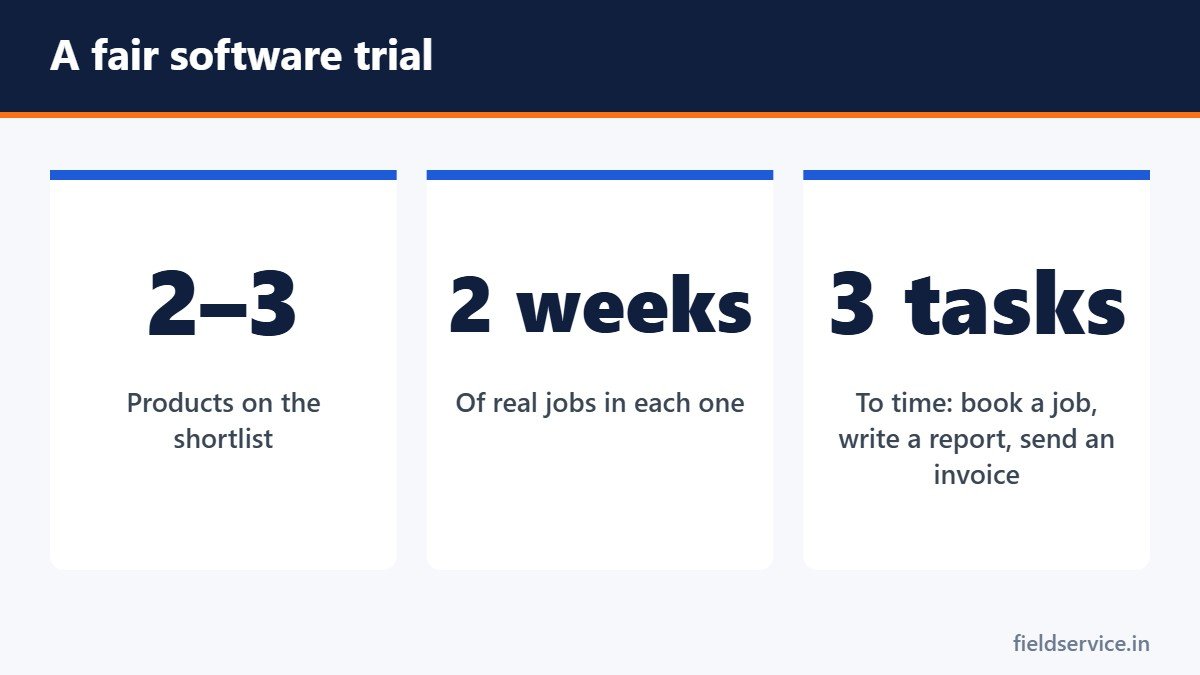
- Shortlist two or three products.
- Use each one for real jobs with one or two technicians for a couple of weeks.
- Ask the technicians and the office staff what slowed them down.
- Time how long it takes to book a job, complete a report and send an invoice.
- Call the support line with a real question and see how it is handled.
Warning signs
- The vendor will not give a clear price.
- You cannot export your own data.
- The mobile app is slow or confusing.
- A long contract is required before you have tried it.
- The demonstration avoids the features you asked about.
Do you need it yet?
A one or two-truck business can run well on a shared calendar, simple digital forms and accounting software. Dedicated field service software starts to pay for itself when scheduling takes hours each week, when invoices are regularly late or when you can no longer keep customer history in your head. If you are not there yet, start with digital service reports.
Getting the team to use it
- Involve a technician and a dispatcher in the choice.
- Train on real jobs.
- Set a date when the old system stops.
- Fix complaints quickly in the first month.
Good software will not repair a broken process. Sort out how you want jobs to be booked, dispatched and invoiced, then choose the tool that supports it. For the dispatch side, see how dispatch affects technician productivity.
We have not tested or ranked individual products for this article, and it contains no affiliate links.
Related guides
- MERV Ratings Explained: Choosing the Right Air Filter
- AI in Field Service: What It Changes for Technicians
- GPS Fleet Tracking for Service Businesses: Benefits, Costs and Privacy
Six everyday forms in Word and PDF, plus Excel workbooks that total mileage reimbursement and overtime pay.
Not sure yet? Try two forms free or see all packs.