


Paper service tickets have worked for decades. They also get lost, arrive at the office days late, and are sometimes impossible to read. A digital service report is the same record created on a phone or tablet and stored where the office and the next technician can find it. For most small service businesses, moving to digital reports is the first technology change that pays for itself.
What a digital service report is
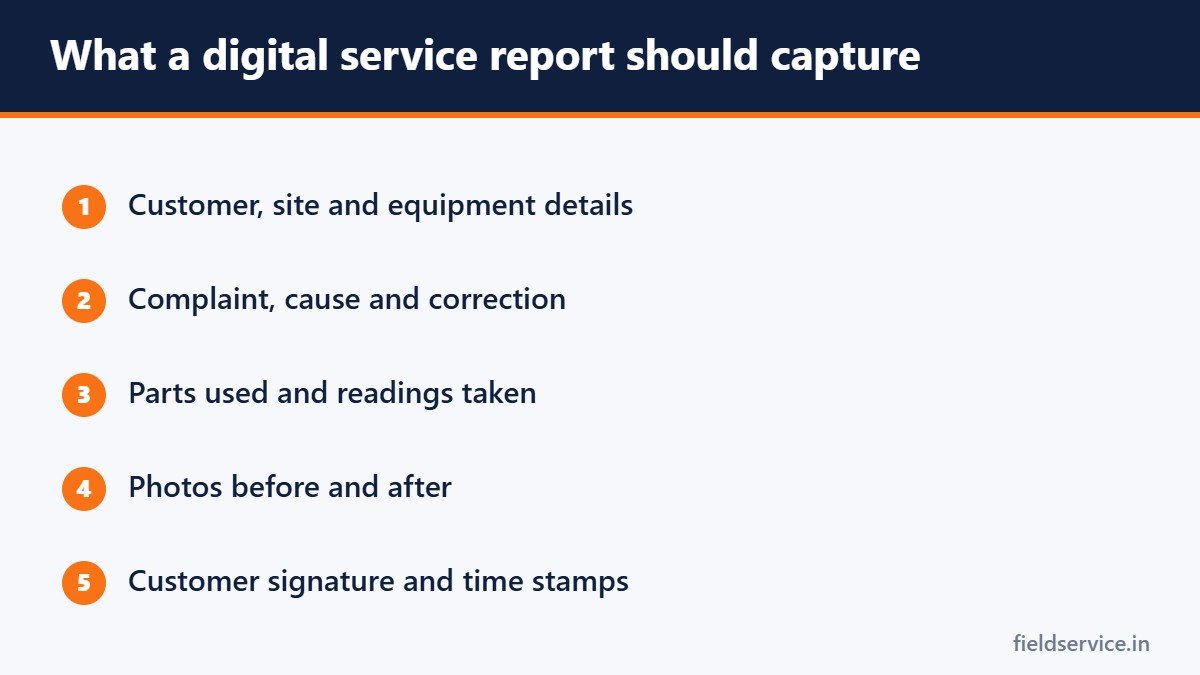
It is a job record completed in an app or a mobile form. It usually holds customer and equipment details, the work performed, parts used, photos, readings, the customer’s signature and time stamps. When the technician saves it, the office sees it straight away.
What it fixes
- Legibility. Typed text and drop-down choices replace handwriting.
- Speed. The office can invoice the same day, without waiting for paper to come back.
- History. The next technician can read every past visit before knocking on the door.
- Evidence. Photos and signatures are attached to the job.
- Lost tickets. Nothing is left on a dashboard or in a jacket pocket.
- Double entry. Nobody retypes a ticket into the accounting system.
What a good report includes
- Customer name, address and contact details
- Equipment make, model and serial number
- The complaint, the cause and the correction
- Readings taken before and after the repair
- Parts used, with quantities
- Photos
- Recommendations, and anything the customer declined
- Arrival and departure times
- Customer signature
Our guide on how to document a service call goes through each of these.
Ways to go digital
Simple mobile forms
A form builder with photo and signature fields is the cheapest starting point. It suits a one or two-truck business, though it will not connect to scheduling or invoicing.
Field service management software
These systems combine scheduling, dispatch, reports, invoicing and payment. They cost more and take longer to set up, and they save the most time once several technicians are using them.
A feature of software you already use
Some accounting and customer management systems include basic job forms. Check what you already pay for before buying something new.
What to look for
- Works offline. Basements, rural routes and mechanical rooms have no signal. Reports should save on the device and sync later.
- Quick to fill in. If a report takes more than a few minutes, technicians will cut corners.
- Photos and signatures built in.
- Customer copy. The report should go to the customer by email or text as a clean document.
- Your data, exportable. You should be able to get your records out if you change systems.
How to make the switch
- Start from your current paper ticket and keep the fields people really use.
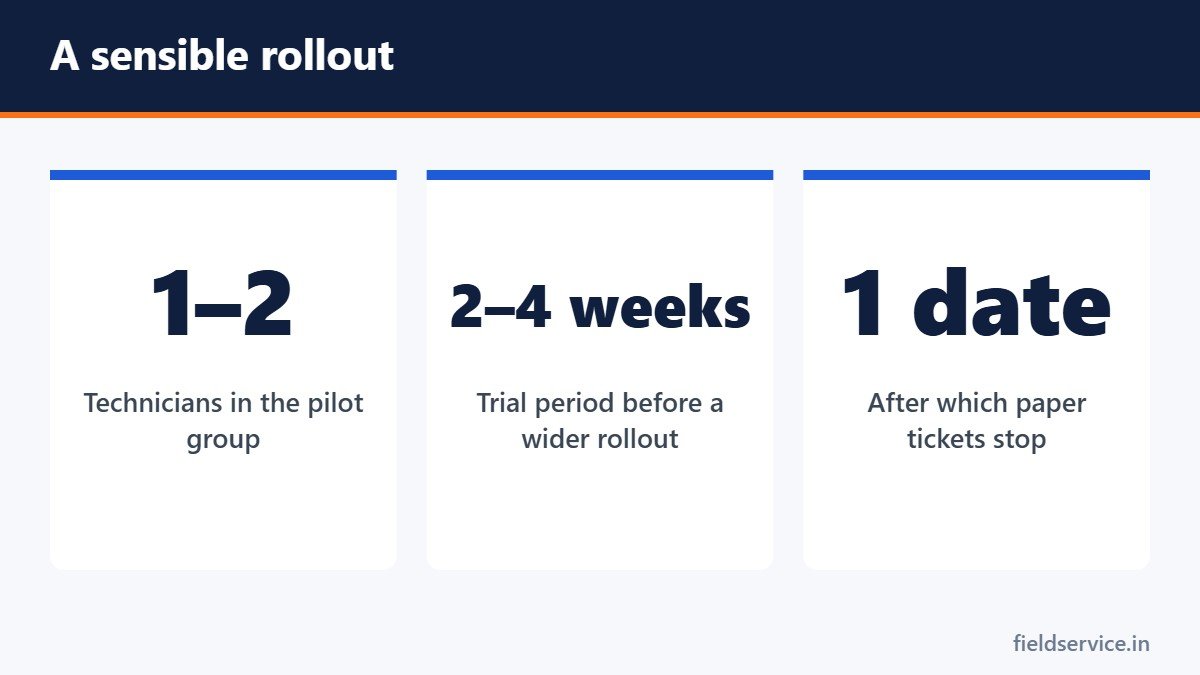
- Test with one or two technicians for a few weeks.
- Fix what they complain about before rolling it out to everyone.
- Train on real jobs, not in a classroom.
- Set a date after which paper is no longer accepted.
Common mistakes
- Too many required fields
- No offline mode
- Letting some technicians stay on paper indefinitely
- Nobody reviewing the reports once they are submitted
Getting technicians on board
Show what is in it for them: no paperwork run to the office at the end of the day, fewer phone calls asking what they did on a job, and proof when a customer disputes the work. People adopt tools that make their own day easier.
Good records are also what make numbers such as first-time fix rate and the other field service KPIs worth trusting.
Related guides
- AI in Field Service: What It Changes for Technicians
- Per Diem for Field Technicians: How It Works
- What to Look for in Field Service Software for a Small Business
Six everyday forms in Word and PDF, plus Excel workbooks that total mileage reimbursement and overtime pay.
Not sure yet? Try two forms free or see all packs.