


Smart thermostats have become one of the most common upgrades customers ask for, and one of the most common things they try to install themselves. Most go in without trouble. The ones that do not tend to fail for the same few reasons: no common wire, a system the thermostat was never designed for, or a setup menu rushed through. A technician who knows the checks can install one quickly and fix the ones that homeowners got wrong.
What makes a thermostat “smart”
A smart thermostat connects to the home’s Wi-Fi so it can be controlled from a phone and can use information such as schedules, occupancy and outdoor weather to adjust itself. Many produce energy reports and maintenance reminders, and some work with remote room sensors. All of that requires constant power, which is where the first problem begins.
The C-wire
Older thermostats were simple switches, and many ran on batteries. A smart thermostat needs continuous 24-volt power, supplied by the common wire, usually called the C-wire. It completes the circuit back to the transformer.
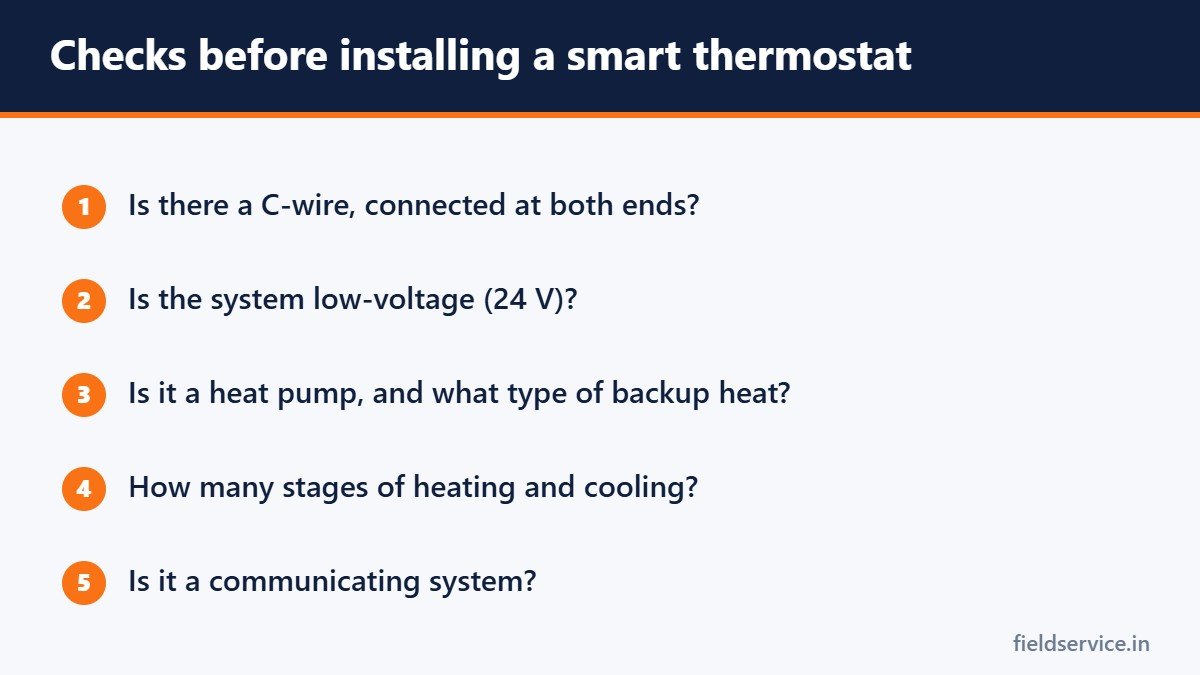
Check for one before you promise an installation:
- Look at the wires on the existing thermostat. A wire on the C terminal is the common.
- Check for unused conductors tucked into the wall. They are often there and simply not connected.
- Confirm at the furnace or air handler control board that the wire is landed on C at that end too.
If there is no C-wire, the options are to connect a spare conductor at both ends, run new thermostat cable, or use the adapter kit that some manufacturers supply. Some thermostats claim to work without a common by drawing power through other circuits. That can cause erratic behavior with some equipment, so a proper C-wire is the reliable choice.
Check compatibility
- Line-voltage systems. Electric baseboard and some wall heaters run at 120 or 240 volts. Standard low-voltage smart thermostats must not be connected to them. They need thermostats made for line voltage.
- Communicating systems. Many high-efficiency and variable-speed systems use the manufacturer’s own communicating control. Replacing it with a conventional thermostat can lose features and efficiency, or may not work at all.
- Heat pumps. The thermostat must support heat pumps and the type of auxiliary heat installed.
- Multi-stage equipment. Check that the thermostat supports the number of heating and cooling stages.
- Accessories. Humidifiers, dehumidifiers and ventilators need a thermostat with the right terminals.
- Millivolt systems, such as some gas fireplaces and older wall furnaces, need a compatible model.
Most manufacturers have an online compatibility checker. Use it before buying.
Installation steps
- Turn off power to the furnace or air handler. Shorting the R wire to C with power on can blow the low-voltage fuse on the control board or damage the transformer.
- Photograph the existing wiring before removing anything.
- Label each wire by the terminal it was on, not by its color. Colors are a convention and are not always followed.
- Mount the new base level and connect the wires.
- Restore power and run through the setup.
- Test heating, cooling and the fan, and on a heat pump, test auxiliary heat.
For what each terminal does, see thermostat wiring explained.
Setup is where most mistakes happen
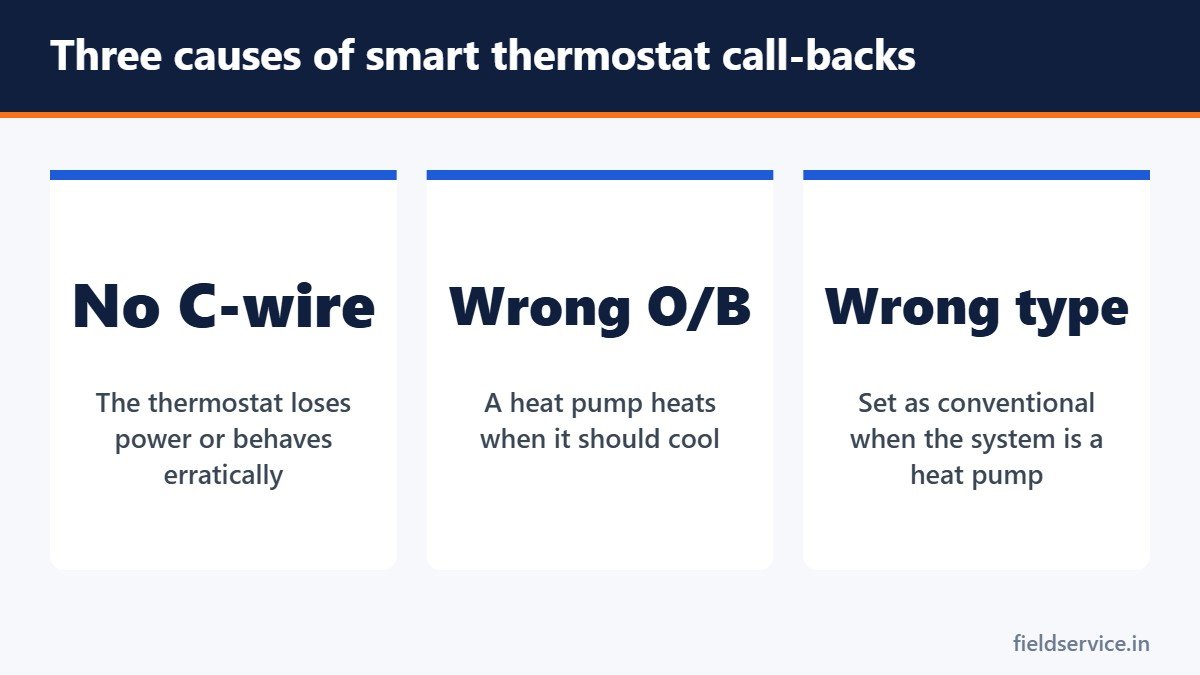
- System type. Conventional or heat pump. Choosing wrongly gives no heat, no cooling or both running together.
- Reversing valve. O or B. The wrong setting makes a heat pump cool when heat is called for. See heat pump basics.
- Fuel type and fan control. Whether the thermostat or the furnace controls the fan in heating.
- Stages of heating and cooling.
- Auxiliary heat lockout and balance point settings on heat pumps and dual fuel systems.
Problems you will be called to fix
- Thermostat blank or restarting. No common wire, a blown control board fuse or a failed transformer.
- Blown low-voltage fuse. Wires touched during a powered installation. Find the short before replacing the fuse.
- Heat pump running the wrong mode. Reversing valve setting.
- Auxiliary heat running constantly. Configuration, or a large setback that the thermostat is recovering from.
- Short cycling. Poor thermostat location, or cycle settings.
- Wi-Fi drop-outs. Weak signal at the thermostat location, or a router setting. Many thermostats connect only on the 2.4 GHz band.
Where the thermostat sits
A thermostat reads the temperature where it is mounted. Direct sunlight, a supply register blowing on it, a nearby lamp or an outside wall will give false readings whatever the brand. If the location is poor, a smart thermostat will not fix it, though remote sensors can help.
What to tell customers
- Savings depend on how the home was run before. A household that already used a schedule will save less than one that left the temperature fixed all day.
- With a heat pump, large setbacks in winter can trigger auxiliary heat and cost more. Smaller setbacks work better.
- Maintenance reminders are based on run time and are a prompt, not a diagnosis.
- They should keep the account login details. Technicians should not set up accounts with their own email addresses.
Privacy and accounts
A smart thermostat collects data about when a home is occupied. Set the device up under the customer’s own account, not the company’s, unless the customer has agreed to a monitoring service. If your company offers remote monitoring, explain what is collected and get consent in writing.
A sales opportunity done honestly
A thermostat upgrade is a natural recommendation on a maintenance visit or after a repair, and it raises the average ticket. Recommend it where it suits the system, and say so when it does not, for example on a communicating system that would lose features.
Related guides
- IRS Mileage Rate 2026: What Field Technicians Need to Know After the July Increase
- What Is a Trip Charge and How Should You Set One?
- Digital Service Reports: Moving Your Field Team Off Paper
Six everyday forms in Word and PDF, plus Excel workbooks that total mileage reimbursement and overtime pay.
Not sure yet? Try two forms free or see all packs.
Frequently asked questions
Do smart thermostats need a C-wire?
Most do. A smart thermostat needs continuous 24-volt power, which the common wire provides. Some models can work without one using an adapter or by drawing power through other circuits, but a proper C-wire is the most reliable option.
Can a smart thermostat be used with electric baseboard heat?
Not a standard low-voltage model. Baseboard heaters run at line voltage and need a thermostat designed for 120 or 240 volts.
Why does my heat pump blow cold air after a new thermostat was installed?
The reversing valve setting is probably wrong. Most brands use the O setting, which energizes the valve in cooling, and a few use B.
Why did the thermostat go blank after installation?
Common causes are a missing common wire, a blown low-voltage fuse on the control board caused by wires touching during installation, or a failed transformer.
This article is an educational overview. Follow the thermostat and equipment manufacturers’ instructions.