


Every technician carries a good camera in their pocket, and most use it far less than they could. A handful of photos taken at the right moments settles disputes, helps a customer approve a repair, saves a second trip and lets a senior technician help from across town. It adds perhaps two minutes to a call.
Why it is worth the two minutes
- Protection. A photo taken on arrival shows the damage that was already there.
- Customer understanding. People approve repairs more readily when they can see the problem.
- Remote help. A clear photo or short video lets a colleague or a manufacturer’s support line see what you see.
- Parts. A picture of the data plate and the failed part gets the right replacement ordered the first time.
- Warranty claims. Suppliers and manufacturers often ask for photos of the failure and the model and serial numbers.
- History. The next technician sees how the equipment looked and how it was wired.
What to photograph
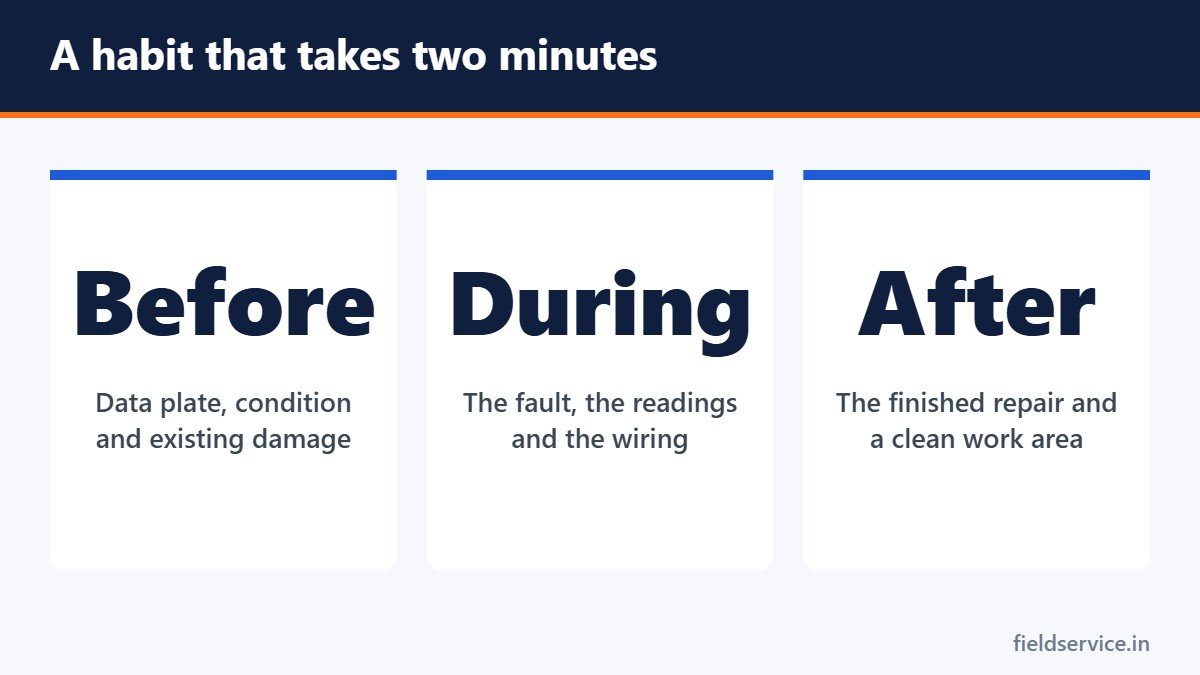
On arrival
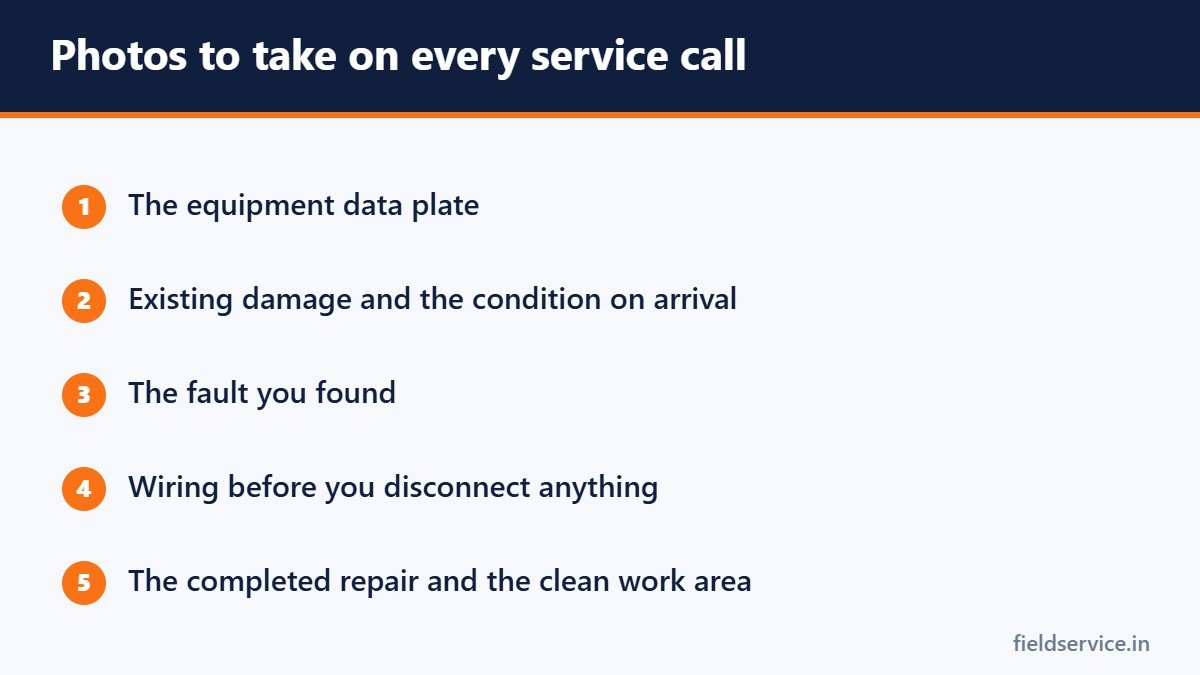
- The equipment data plate, showing make, model and serial number
- The general condition of the equipment
- Any existing damage: rust, water stains, dents, scorched wiring, earlier repairs
- The area around the equipment, including floors and walls you will be working near
During diagnosis
- The fault itself: the burnt terminal, the cracked fitting, the swollen capacitor
- Meter and gauge readings
- Wiring before you disconnect anything, so you can put it back correctly
After the repair
- The completed work
- Readings showing the system operating correctly
- The work area, left clean
- The old part, where it helps explain the repair
When video is better
- An intermittent fault, a noise or a vibration
- A sequence, such as a furnace attempting to light
- A short explanation for a customer who is not at home
- A walk-through of a site for an estimator or another crew
Keep videos short. Thirty seconds showing the fault is more useful than five minutes of footage nobody will watch.
How to take usable photos
- Wipe the lens. Phones live in pockets with dust and grease.
- Use the flash or a work light in dark spaces.
- Take one wide shot for context and one close shot of the detail.
- Check that data plates and meter displays are readable before you move on.
- Include something for scale when size matters.
- Hold the phone still and let it focus.
Showing customers
A photo of the corroded part, shown next to the new one, explains more than a description. For customers who are at work, a photo or a short video sent by text lets them approve the repair without coming home. Keep the explanation plain and factual. See how to explain a repair to a customer.
Privacy and consent
- Photograph the equipment and the work area, not the customer’s home in general.
- Avoid capturing people, family photos, documents, computer screens and valuables.
- Ask before filming or photographing if the customer is present, and follow your company’s policy.
- Never post a customer’s home or equipment on social media, or use it in advertising, without written permission.
- In commercial and industrial sites, check the customer’s rules. Many restrict photography.
- Recording conversations is covered by separate laws that vary by state. Do not record a customer’s voice without knowing the rule and having consent where it is required.
Storing and organizing
- Attach photos to the job record, not only to your phone’s camera roll.
- Use the company’s app or system so that photos are backed up and available to the office.
- Avoid keeping customer photos on a personal phone long term. If the phone is lost, so is the evidence, and the customer’s information goes with it.
- Decide how long job photos are kept and apply the same rule to every job.
Most field service apps let you attach photos directly to the ticket. See digital service reports for how that fits into the job record, and how to document a service call for what else belongs on it.
For owners
- Set a short list of required photos, such as data plate, condition on arrival and completed work.
- Build them into the job form as required fields.
- Review a few jobs each week and thank technicians whose photos settled a question.
- Write a simple policy on privacy, social media and how long photos are kept.
Common mistakes
- Taking photos only when something has already gone wrong
- Blurry or dark images nobody can read
- Photos left on a personal phone and never attached to the job
- Capturing more of the customer’s home than the job requires
- Posting a job online without permission
Related guides
- How to Prepare for Emergency and After-Hours Service Calls
- Arrival Windows: How to Schedule Service Calls Customers Can Plan Around
- Texting Customers: Appointment Reminders, On-the-Way Messages and Consent
Six everyday forms in Word and PDF, plus Excel workbooks that total mileage reimbursement and overtime pay.
Not sure yet? Try two forms free or see all packs.
Frequently asked questions
Do I need the customer’s permission to take photos of the job?
Photos of the equipment and the work area for the job record are standard practice, but tell the customer and follow your company’s policy. Using photos in marketing or on social media needs the customer’s written permission.
How many photos should a technician take on a service call?
A practical minimum is the data plate, the condition on arrival, the fault found and the completed repair. Add wiring and readings where they are relevant.
Where should job photos be stored?
Attach them to the job record in the company’s system so they are backed up and the office can see them. Avoid keeping them only on a personal phone.
Can photos help with warranty claims?
Yes. Manufacturers and suppliers often ask for photos of the failed part and of the model and serial numbers on the data plate.
This article is general information and is not legal advice. Privacy and recording laws vary by state.