

Artificial intelligence is now built into much of the software that service businesses use for scheduling, communication and paperwork. The marketing around it is loud, and it can be hard to tell what is useful from what is a slogan. For technicians and owners, the practical questions are simple. What do these tools do, what do they get wrong, and what happens to the job of the person holding the meter?
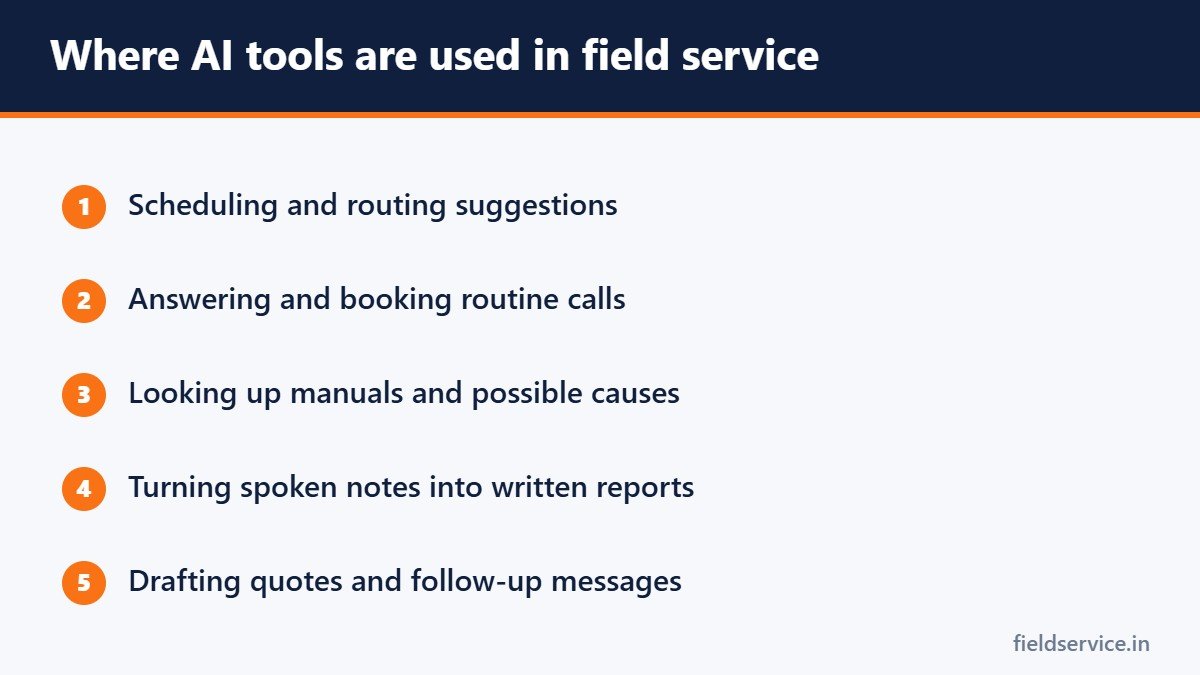
Where AI shows up in field service
Scheduling and routing
Software can suggest which technician should take which call and in what order, using location, skills, job length and traffic. A dispatcher still makes the final decision, particularly when a customer relationship or an unusual job is involved.
Call handling and booking
Chat assistants and automated phone systems can answer common questions and book appointments outside office hours. They work best on simple requests and should hand over to a person when the caller needs one.
Diagnostic assistance
Some tools let a technician describe symptoms or enter a model number and receive possible causes, wiring diagrams or relevant pages from the manual. Used well, this is a faster way to find information the technician would have looked up anyway.
Notes and reports
Voice-to-text and summarizing tools can turn a spoken description into a written service report. That shortens the part of the job most technicians like least.
Quotes and follow-up
AI can draft estimates, reminder messages and review requests for a person to check and send.
What AI does not do
- It cannot take a reading, smell a burnt winding or see a cracked heat exchanger.
- It does not know the history and quirks of a particular building.
- It can give a confident answer that is wrong.
- It cannot take responsibility for a safety decision.
Treat an AI suggestion the way you would treat advice from someone who has read every manual but has never been on a job. It is often useful, and it must be checked against your own measurements and the manufacturer’s documentation.
What it means for technicians’ jobs
The physical work of service, installation and repair still requires a trained person on site. The parts of the job most likely to change are the paperwork, the information lookup and the scheduling around the work. Technicians who are comfortable using these tools will spend less time on admin and will have information to hand more quickly.
Demand for skilled technicians remains strong. The U.S. Bureau of Labor Statistics projects 11 percent employment growth for HVAC mechanics and installers from 2025 to 2035, which it describes as much faster than average.
How technicians can use it well
- Use AI lookups as a starting point and verify with your meter and the manual.
- Use voice notes to write reports while the details are fresh, then read them through before saving.
- Never enter customer personal details into a tool your company has not approved.
- Tell your manager when a tool gives a wrong answer, so others are warned.
How owners can approach it
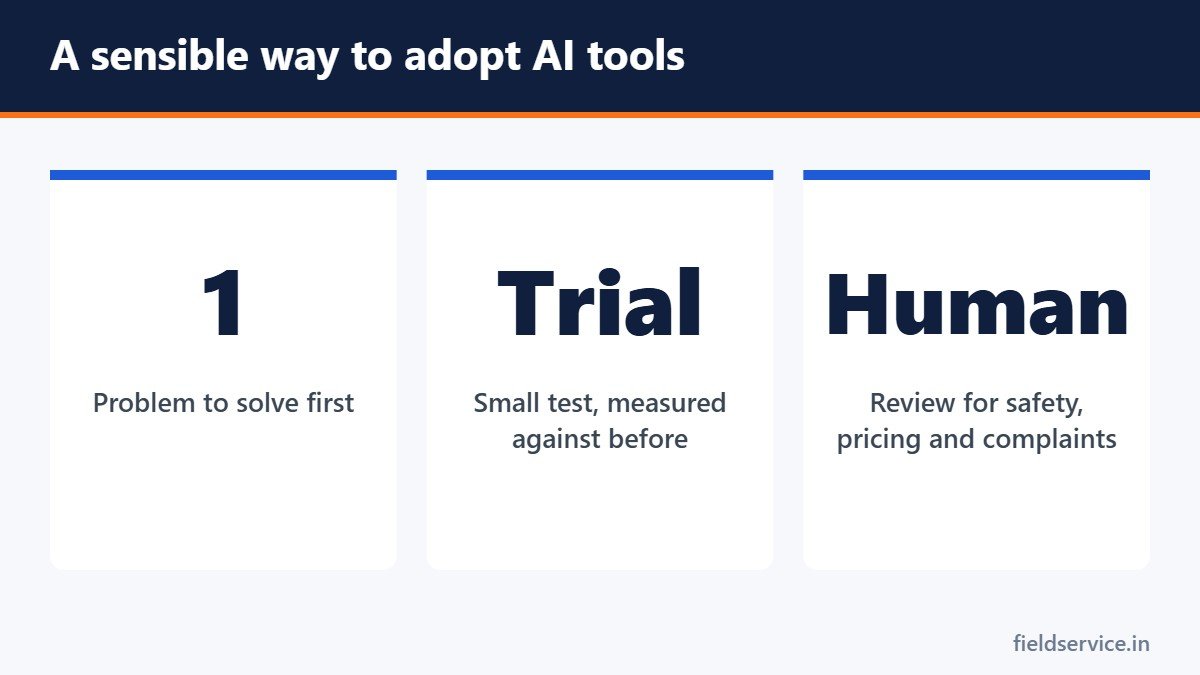
- Start with one clear problem, such as missed after-hours calls or late paperwork.
- Run a small trial and measure the result against how things were before.
- Keep a person in the loop for anything involving safety, pricing or an unhappy customer.
- Ask vendors what happens to your customer data and whether you can export it.
- Train the team, and listen when they say a tool is slowing them down.
Questions to ask a vendor
- What exactly does the AI feature do, and what does it not do?
- Where is our data stored and who can see it?
- Can staff override its suggestions easily?
- What does it cost once the trial ends?
AI is a tool that can remove some of the administrative work around a service call. It does not replace the judgment of the person doing the work. For a first step that pays off with or without AI, see digital service reports.
Related guides
- Smart Thermostats: What Technicians Need to Know Before Installing One
- Texting Customers: Appointment Reminders, On-the-Way Messages and Consent
- What to Look for in Field Service Software for a Small Business
Sources
Six everyday forms in Word and PDF, plus Excel workbooks that total mileage reimbursement and overtime pay.
Not sure yet? Try two forms free or see all packs.