


A technician can only be as productive as the schedule allows. If the day sends a tech across town and back twice, no amount of skill on the job will recover the lost hours. Dispatch decides which calls are run, in what order and by whom. In many service businesses it is the largest influence on productivity that nobody measures.
Four decisions that shape the day
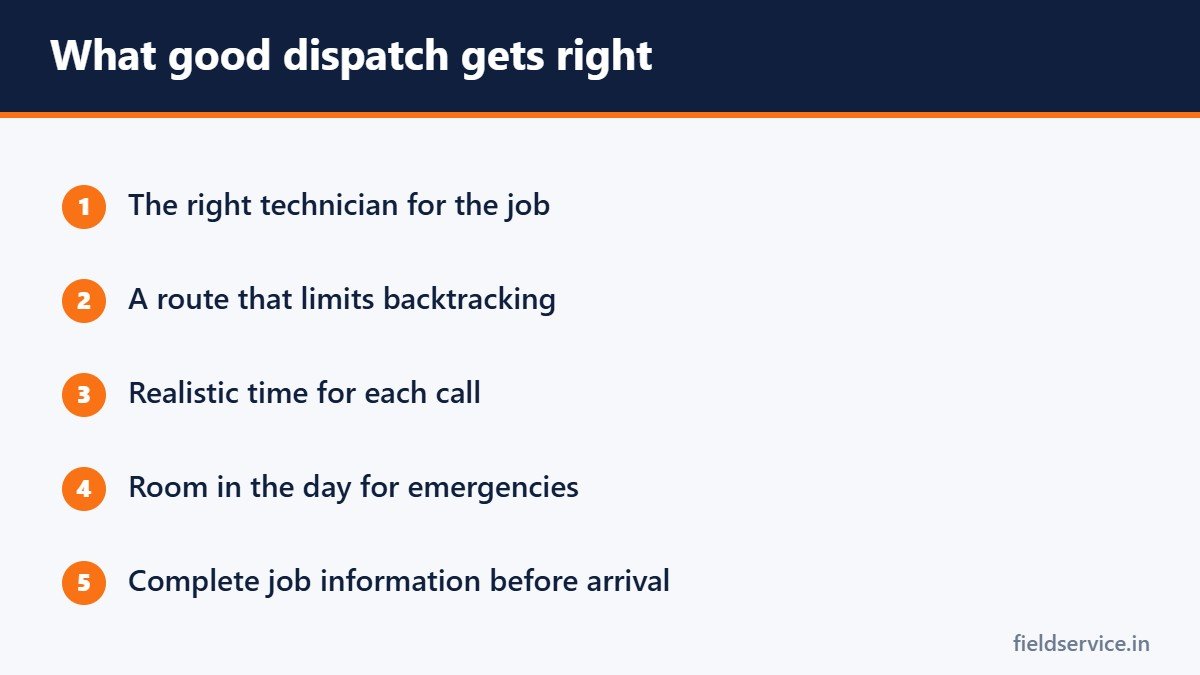
- Which technician gets the call. Skill, location and workload all matter.
- The order of the calls. This determines drive time.
- How long each call is given. Too little and the day runs late. Too much and there are gaps.
- How emergencies are handled. Each urgent call disrupts something already planned.
Route by area
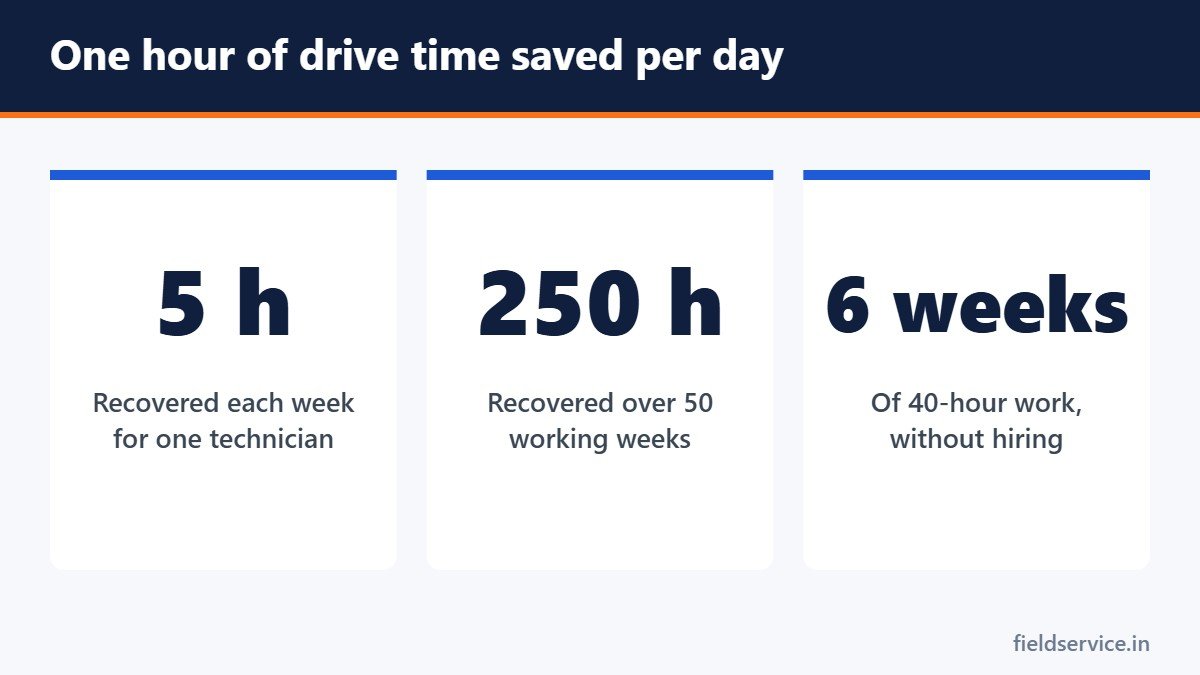
Group calls by location. Assigning technicians to zones, or building each day’s route around one part of the service area, cuts the time spent driving. An hour saved from the road is an hour available for another paying call. The travel time cost calculator shows what drive time costs at your labor rate.
Match skill to the job
The nearest technician is not always the right one. Sending someone who cannot finish the repair creates a second visit and lowers your first-time fix rate. Keep a simple list of who is trained on which equipment and use it when assigning calls.
Collect information when the call is booked
The person taking the call can ask for:
- The make, model and approximate age of the equipment
- The symptoms and when they began
- Access details, such as gate codes, pets and parking
- A photo of the equipment data plate, sent by text
With this, the technician arrives prepared and with the likely parts on board.
Be realistic about time
- Use the durations that past jobs actually took, by job type.
- Include drive time between calls.
- Leave some slack. A day booked to the minute fails at the first job that runs long.
- Offer arrival windows your team can keep.
Plan for emergencies
Urgent calls will come in. Options include leaving a buffer slot each day, naming one technician as the floater, or keeping a list of maintenance visits that can be moved. Deciding the approach in advance is better than rearranging the whole board at ten in the morning.
Communicate
- Confirm appointments the day before.
- Send the customer a message when the technician is on the way.
- Tell customers early when a visit will be late.
- Give technicians a quick way to report that a job is running over.
Confirmations reduce wasted trips to empty houses, which are among the most expensive calls you can run.
Measure dispatch
- Drive time per technician per day
- Jobs completed per technician per day
- On-time arrival rate
- Return visits caused by sending the wrong tech or the wrong parts
- Technician utilization
Software helps, and so does a whiteboard
Scheduling software with maps and drag-and-drop boards makes routing easier once you have several trucks. A two-truck shop can get most of the benefit from a map, a shared calendar and consistent rules. The rules matter more than the tool.
Treat dispatch as a skilled job
A good dispatcher knows the technicians, the service area and how long jobs take. Train the role, pay it properly and include the dispatcher when you review the numbers. For a routine technicians can follow on their side, see how to organize a field service day.
Related guides
- Seasonal Planning for HVAC and Service Businesses
- Warranty Work: How to Track It and Stop It Draining Profit
- Maintenance Agreements: How They Work and How to Price Them
Six everyday forms in Word and PDF, plus Excel workbooks that total mileage reimbursement and overtime pay.
Not sure yet? Try two forms free or see all packs.