

A GPS tracker in each service vehicle tells you where your trucks are, where they have been and how they were driven. For a business with several vehicles on the road, that answers questions that otherwise take a phone call: who is nearest to the emergency, when did the tech arrive, how long was the drive. It also raises fair concerns from the people being tracked. Getting the benefit depends on handling both sides well.
How it works
A small device is plugged into the vehicle’s diagnostic port or wired in behind the dash. It reports location, speed and engine status over the cellular network to a web dashboard and a phone app. Some systems use the technician’s phone or tablet in place of a device in the vehicle. Many add driver behavior data, maintenance reminders and dash cameras.
What it does for the business
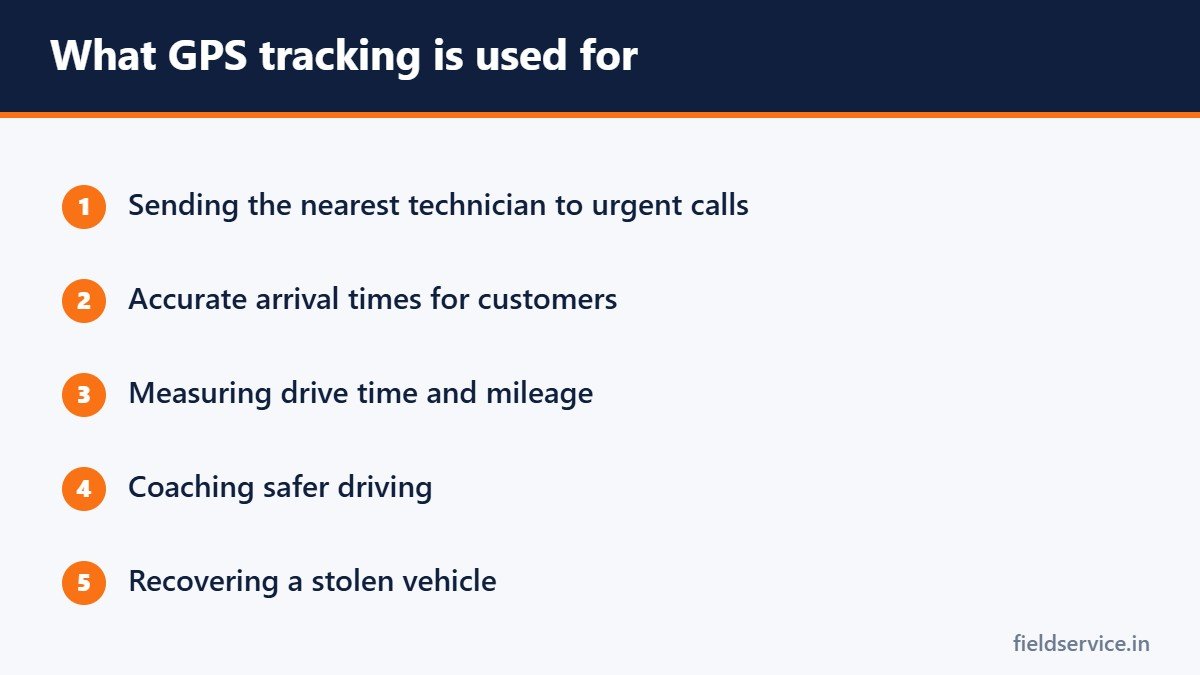
- Dispatch. Send the nearest suitable technician to an urgent call.
- Arrival times. Give customers an accurate time and prove when the truck arrived if there is a dispute.
- Drive time. See how many hours each vehicle spends on the road. See how to reduce windshield time.
- Mileage records. Trip reports replace handwritten logs.
- Safety. Reports on speeding, hard braking and seat belt use help you coach drivers.
- Maintenance. Reminders based on actual mileage and engine hours.
- Theft recovery. A stolen truck full of tools can be located.
- Insurance. Some insurers offer discounts for tracked fleets. Ask yours.
What it does for technicians
This side is often left out of the sales pitch. Tracking can protect a technician as well as watch one.
- It proves you were on site when a customer claims you were not.
- It backs you up in an accident dispute.
- It replaces mileage paperwork.
- It lets dispatch see you are stuck in traffic without phoning you.
- It helps someone find you if you are working alone and something goes wrong.
Privacy and the law
In general, an employer may track vehicles it owns. Beyond that, the rules vary by state. Some states require that employees be told about tracking, and tracking a worker’s personal vehicle or personal phone typically requires consent. Tracking outside working hours is a particular risk.
Sensible practice, wherever you are:
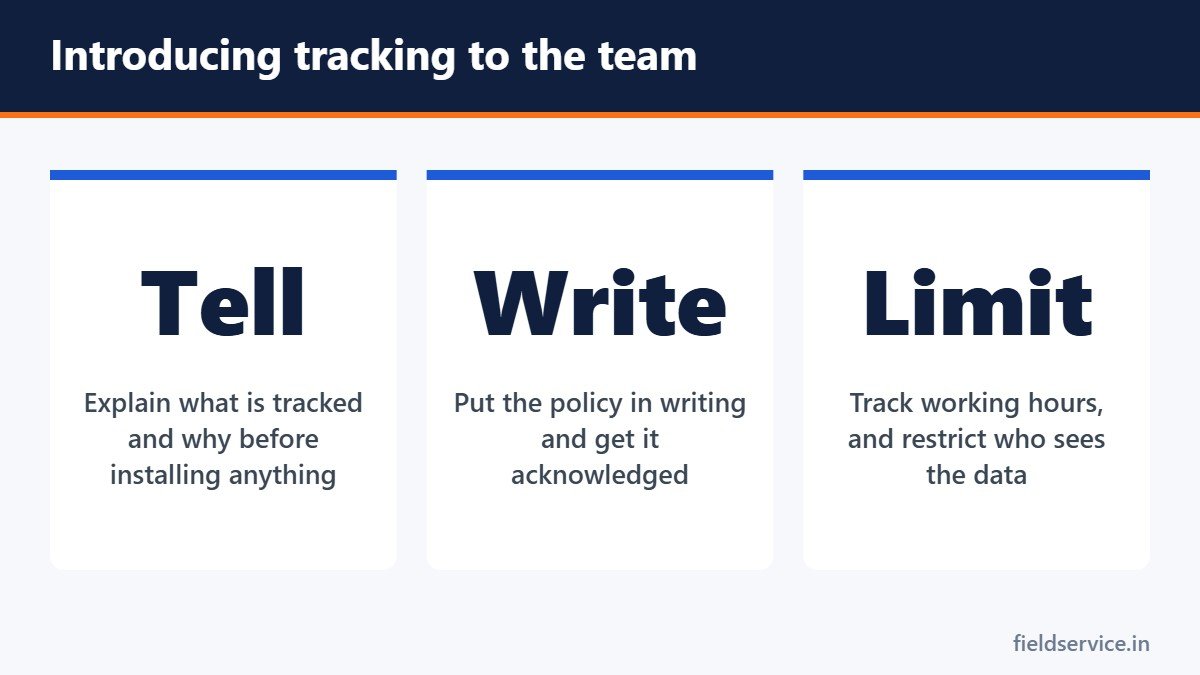
- Tell employees in writing that vehicles are tracked, what is recorded and why.
- Get a signed acknowledgment.
- Limit tracking to working hours where the system allows, especially for take-home vehicles.
- Restrict who can see the data.
- Decide how long data is kept.
- Have a lawyer review the policy for your state.
What it costs
Most providers charge a monthly fee per vehicle, and some charge for the hardware or require a multi-year contract. Before signing, ask:
- What is the total monthly cost per vehicle, including any hardware?
- How long is the contract, and what does it cost to leave early?
- How often does the location update?
- Does it connect to our scheduling or dispatch software?
- Can we export our data?
- Who installs the devices?
Introducing it without a revolt
How tracking is introduced decides whether it works. Devices that appear overnight tell technicians they are not trusted.
- Explain the reasons before installation: dispatch, customer arrival times, safety and theft.
- Say plainly what you will and will not use the data for.
- Show technicians the benefits to them.
- Use the data for coaching and scheduling first, not for discipline.
- Share the results, such as less driving or fewer disputes.
Common mistakes
- Using every speeding alert as a reason for a reprimand
- Tracking around the clock on vehicles that go home
- Buying features nobody looks at
- Never reviewing the reports
- Judging technicians on drive time that the schedule, not the driver, created
Do you need it?
With one or two trucks, you probably know where everyone is. Tracking tends to pay for itself from about three to five vehicles upward, or sooner if you run emergency calls, have take-home vehicles or have had a theft. Many field service software packages include basic location tracking through the technician’s phone, which may be enough to start with.
Related guides
- Markup vs. Margin: The Pricing Mistake That Costs Service Businesses Money
- Loaded Labor Cost: What a Technician Really Costs Per Hour
- Using Photos and Video on Service Calls
Six everyday forms in Word and PDF, plus Excel workbooks that total mileage reimbursement and overtime pay.
Not sure yet? Try two forms free or see all packs.
Frequently asked questions
Is it legal to track company vehicles with GPS?
In general, employers may track vehicles they own, but the rules vary by state. Some states require notice to employees, and tracking personal vehicles or phones typically requires consent. Have a lawyer check the rules for your state.
Do I have to tell employees their vehicle is tracked?
Some states require it, and it is good practice everywhere. A written policy that employees acknowledge avoids most disputes.
How much does GPS fleet tracking cost?
Pricing varies by provider. Most charge a monthly fee per vehicle, sometimes with a hardware cost or a multi-year contract. Ask for the total monthly cost and the contract terms before you sign.
Can GPS tracking lower insurance costs?
Some insurers offer discounts for fleets with tracking or dash cameras. It depends on the insurer, so ask yours.
This article is general information and is not legal advice.